

10 Questions Installers Should Ask Before Specifying Access Control
Most access control problems are decided long before first fix. The card type, the reader protocol, the cabling and the conversation with the client's IT team all shape how smoothly a job goes, and how easy the system is to live with for the next ten years.
This checklist is written for UK installers and integrators. It applies whichever system you choose: these are the questions worth asking a supplier, and helping your client ask, before anything is specified.
Cards, phone keys and readers
1. Which card technology, and which badge format?
Many sites still use older 125kHz proximity cards because they are cheap and familiar. Before you carry them over to a new system, ask how the card's data is protected and whether the system supports secure smart cards such as MIFARE DESFire EV2 or EV3. With DESFire, check whether readers can read encrypted files on the card rather than just its serial number.
Just as important is the badge format. A large share of "the reader shows the wrong card number" calls come down to a mismatch between the cards, the readers and the software. Agree the format with the supplier before a single card is ordered, and order a few test cards first if you can.
2. Will phone keys or QR codes be needed?
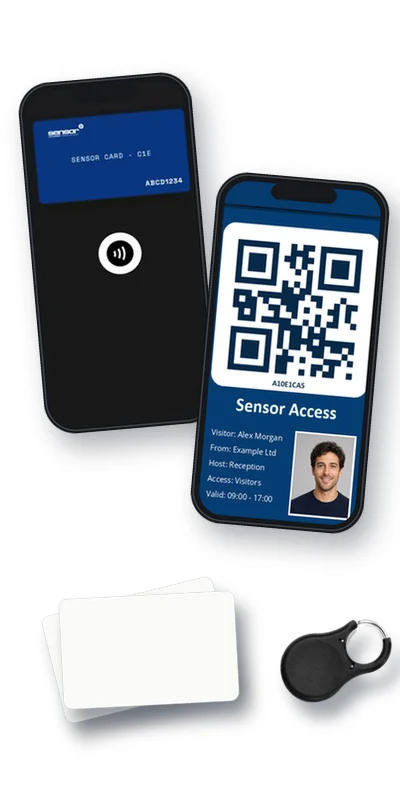
Clients increasingly want staff and visitors to use a phone instead of a card. Ask whether the system offers a phone key, which phones it works on, and whether phone keys are issued and withdrawn from the same software as cards. If visitors will use QR codes, check how QR readers connect and which Wiegand formats (for example 26-bit or 34-bit) they output.
3. How secure is the link between reader and controller?
The cable from the reader back to the controller is often the weakest point in a system. Some older reader connections send card data unencrypted, and the controller cannot tell if a reader has been removed or swapped. Ask whether reader communication is encrypted, whether the system raises an alarm if a reader is tampered with or disconnected, and whether readers and controllers need to match for those features to work. For existing sites, check what is already installed before assuming new readers will work with old controllers.
Cabling and hardware
4. What are the cabling rules?
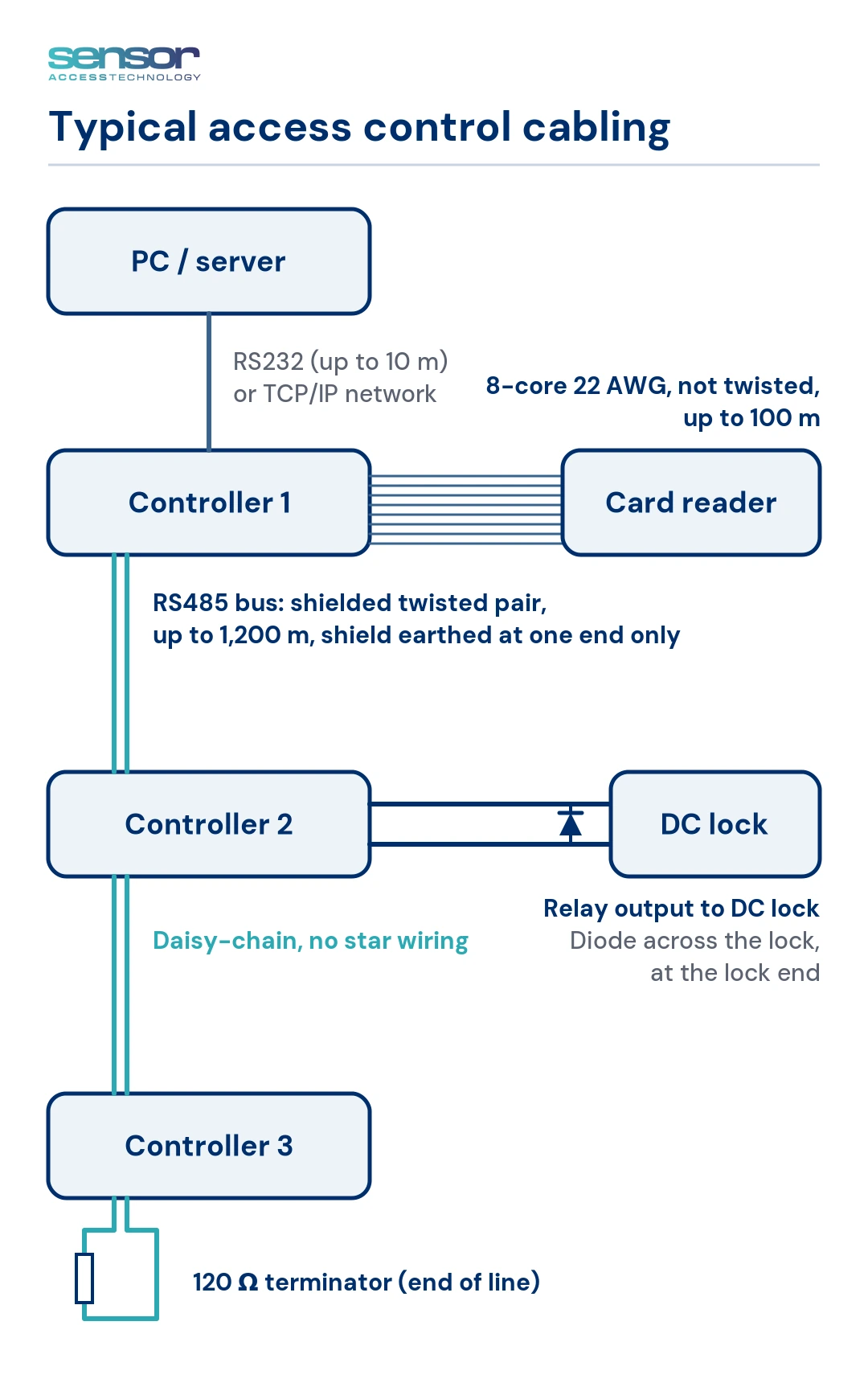
Plenty of "faulty controller" call-outs turn out to be cabling. Ask for the supplier's published specification and stick to it. As an example, our own guidance for GuardPoint10 (GP10) installations is:
- reader cable: 8-core 22 AWG, not twisted, up to 100 m;
- RS485 data bus: shielded twisted pair up to 1,200 m, shield earthed at one end only, a 120 Ω terminator on the last controller, and no star wiring;
- a diode across DC locks, fitted at the lock end.
Other systems will differ in the detail, but if a supplier cannot give you figures like these, that tells you something.
5. How far will it need to grow?
A two-door office can become a multi-site estate. Ask how many doors, readers and cardholders a controller handles, how controllers are networked, and what happens when you outgrow the first installation. Check whether one server can manage several sites, and whether extra workstations can be added later. Wireless locks are worth asking about too, for doors where cabling is impractical.
Integrations
6. What does it integrate with today?
Access control rarely stands alone. Ask for working integrations you can see in a demonstration, with any version requirements stated up front, rather than items "on the roadmap". Typical ones to check:
Lifts
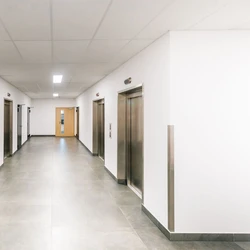
Is it simple relay-based floor control, or a direct integration with the major lift manufacturers, and which software version does that need?
CCTV
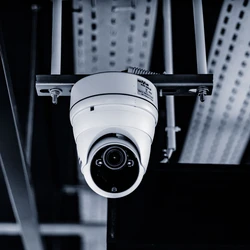
Many access systems connect to NVRs and DVRs rather than to cameras directly, so check which recorders and video platforms are supported.
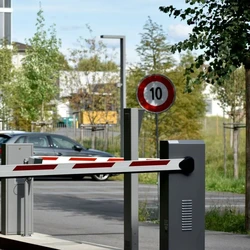
ANPR
Is vehicle access part of the system or a separate product?
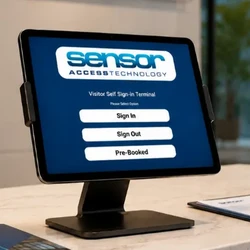
Visitor Management
How many visitors does the site get each day? Busy sites benefit from a visitor management system that pre-registers guests and issues temporary passes or QR codes, so check whether it works with the access system or is a separate product.
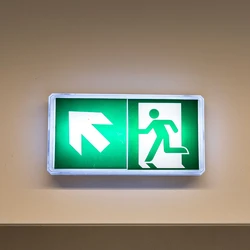
Fire and Roll Call
Can the system report who is in each area during an evacuation, and can a fire marshal take a roll call on a mobile device?

Time and attendance
Does the system have its own time and attendance module, or an approved integration with workforce management software, so clocking in can use the same cards and readers as the doors?
IT readiness
7. What does the client's IT team need to know?
Modern access control sits on the client's network and often uses a SQL database. Projects stall when IT first hears about it on install day. Ask the supplier for a server specification, the ports the software uses, and whether virtual machines are supported, then share them with IT early.
To give a sense of scale, GP10 recommends a Core i5 10th generation or newer, 6 cores, 16 GB RAM and a 256 GB or larger SSD, running Windows 11 Pro or Windows Server 2016 or later, and uses SQL ports 1433, 1434 and 49999 plus its own service ports. If anyone needs remote or mobile access, plan the secure route and firewall rules at the design stage, not afterwards.
Upgrades and support
8. What does an upgrade involve?
Ask how software updates are installed, whether existing controllers and readers keep working afterwards, and what happens to the database. A good upgrade should not need a full uninstall and reinstall. Before any upgrade, find out which version the site is running; very old installations often need extra help.
How we approach it: with GP10, you run the new installer and choose Upgrade. The database is archived automatically, the server is upgraded first and the workstations soon after.
Two related points are worth raising early. Moving from an older system's database is a migration project, so plan and price it as one. And if the software will move to a new server or PC, check the supplier's process first.
9. What do support and updates cost, and who answers the phone?
Ask what ongoing support and software updates cost over the life of the system, and get it in writing alongside the hardware price. Then ask who you call when a door will not open: a technical team that knows the product, or a ticket queue? Demonstrations and site visits before you commit are a good sign.
10. What warranty applies, and to what?
Mixed-brand systems can come with mixed warranties, which makes claims slow. Ask whether one warranty covers everything supplied, including third-party readers and locks, and how long it lasts.
Data protection
Access control holds personal data and records of where people have been. Ask where the data is held, who can see it, and whether the software keeps an audit log of what people change. A system that keeps its data on the client's own system, with clear user permissions and an audit log, helps support your GDPR, safety and audit obligations. Compliance always depends on how the system is installed and run.
Frequently asked questions
Why is a reader showing the wrong card number?
Usually a badge format mismatch between the cards, readers and software. Confirm the format with the supplier before ordering cards.
Can I reuse the existing readers on a new system?
Sometimes. Check the reader type, card format and connection method with the supplier before you plan to keep them.
A controller responds to a ping but shows offline. What should I check?
This often happens after a controller has been swapped. Check its configuration in the software, then talk to the supplier's technical support.
When should I involve the client's IT team?
At the design stage. Share the server specification, ports and any remote access plans before installation.
Can access control software be moved to a new server?
Usually, but check the supplier's process before you move it.

Talk it through with us
Sensor Access has worked with UK installers since 1999, and we are always happy to talk through a site, whether or not you have chosen a system yet. If you would like to see how GuardPoint10 handles any of the points above, call us on 01273 242355 or contact us to arrange a demonstration.